Your clothes
See what you already own.
Browse your saved clothing photos in one place.

WearSight
Save photos of your clothes, plan outfits, and see an AI preview of a clothing item on your own photo.
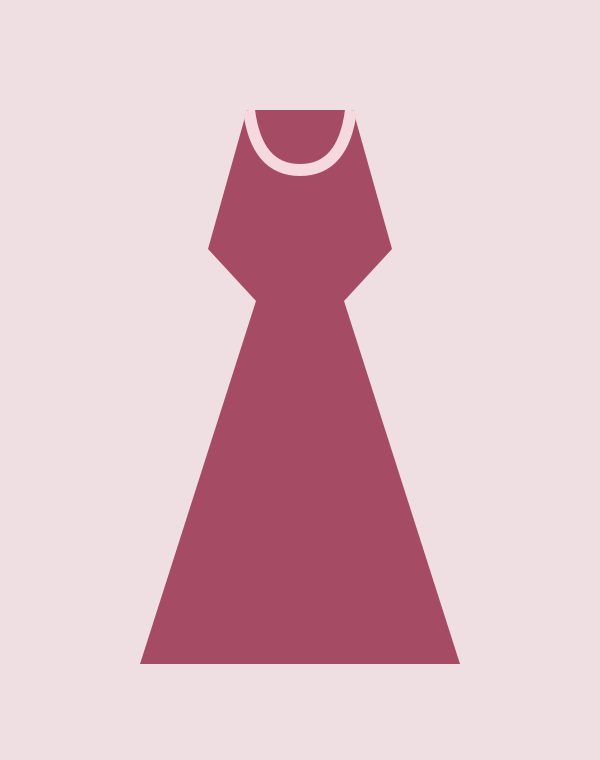
Burgundy dress
Save a photo to find this piece later.
Ivory blouse
Browse clothing by category.

Handbag
Keep accessories in the same place.
Your clothes, saved in one place.
Find a piece, choose your photo, and create a preview.
Your clothes
Browse your saved clothing photos in one place.
Virtual try-on
Choose a clothing item to see an AI-generated preview.
Your favorites
Save combinations you want to wear again.
How it works
Each preview uses one personal photo and one clothing image. You can reuse both for later try-ons.
Read the try-on guideUpload a photo of each clothing item you want to save.
Select one photo of yourself and one saved clothing item.
Compare the result with your original images, then save or download it.
Digital wardrobe
Search your saved clothing, browse by category, and mark favorites so you can find them again.
See the wardrobe featuresVirtual try-on
Use the preview to explore an outfit idea. It does not guarantee the garment’s size or physical fit.
About virtual try-onYour images are private to your account. You choose what to save and what to delete.
Read our privacy policyUse WearSight on your phone, tablet, or desktop. Supported browsers can add it to your home screen.
Before you start
No. Save a clear photo once, then reuse it with different wardrobe items.
Yes. Your saved images are private to your signed-in account.
No. WearSight provides an AI preview to help visualize an outfit before wearing it.
Yes. You can use WearSight in a browser on your phone, tablet, or computer.
From the blog
Virtual Try-On
Choose a useful virtual try-on photo with clear framing, even lighting, and a simple pose. Learn what to wear and which common photo mistakes to avoid.
Digital Wardrobe
Take clear clothing photos with your phone. Compare flat lays and hangers, find useful light, capture details, and keep your digital wardrobe easy to browse.
Virtual Try-On
Understand the difference between an AI outfit preview and physical fit, plus the measurements and garment details to check before buying clothes online.
Contact
Get in touch with the WearSight team.